


A team agreement is a written document that explicitly defines expectations for specific aspects of teamwork, such as behaviors, boundaries, tools, and values.
Creating team agreements is a key step to successfully adopting new ways of working. They not only establish explicit expectations for how your team will work together, they also offer a solid foundation teams can lean on as they navigate periods of ambiguity, such as changing remote and hybrid work structures.
Examples of Team Agreements
Team working agreements can cover many different topics. Some examples of agreements include:
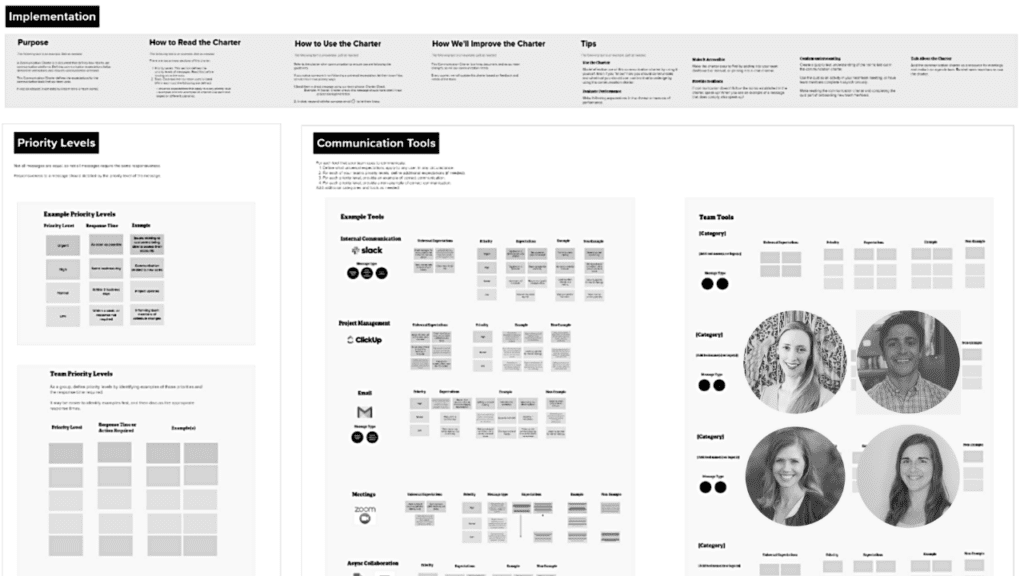
- Communication charter, which sets expectations for your team’s communication channels and practices
- Boundaries agreement, which establishes your team’s boundaries to support healthy work-life balance
- Culture canvas, which codifies the visible behaviors and rituals that align with your team’s values
- Team working norms, which can be long-term expectations or short-term expectations, for instance when you’re working on a dedicated project.
How to Create and Adopt Team Agreements
☂️ Define the scope of your agreement
Will your agreement cover expectations for communication? Setting and respecting boundaries? All working norms? If this is your team’s first working agreement, try limiting the scope to make the process more manageable. As your team becomes accustomed to setting and following explicit expectations, expand the scope of your agreement or create additional documents.
🙋♀️ Determine who will be responsible for creating the agreement
Will each team create their own, or will the agreement be organization or department-wide? Who is responsible for creating, managing, updating the agreement? If there is no one accountable for creating and managing the document, then it will become just one more project that gets forgotten.
✍️ Create the agreement
For some teams, the agreement will be the product of a guided session that includes everyone on the team, for others, it might be the responsibility of a select group of leaders. This part of the process will likely take the most time. You can save time by using templates as a guide, such as the templates in the Hybrid Team Success Toolkit.
📨 Share your agreement with your team
Depending on the process you followed to create the agreement, consider inviting feedback via a blended process that includes an async review, async Q&A, and a sync discussion to address lingering concerns. Make sure that everyone that needs to access the agreement has access and is notified of the agreement’s launch date. Add a description of the agreement in any team-wide updates you share.
☀️ Integrate the agreement into regular work practices
An agreement only works if team members actually follow it! Make it easier to do so by integrating the agreement into your work, by pinning the agreement to team channels and documentation, referring to the agreement in meetings and communication, and reviewing agreements regularly.
📐Evaluate the effectiveness of the agreement
Measure the rate of adoption as well as the impact of the agreement on desired team behaviors and goals. Collect feedback from team members in sync and async meetings on how they are using the agreement, and collect data from surveys distributed through email or messaging platforms on how consistently they and their teammates adhere to the agreements.
🪴 Update and improve the agreement
Remember that your agreement is a living document—create a regular cadence to update the agreement based on feedback and data. For your first agreement, you will want to update this more regularly, such as once a month for the first quarter. Then, a quarterly update may make more sense for your team.
Get Started
For teams that don’t have any current working agreements, we recommend starting with a Communication Charter. You can purchase the template individually or as part of the Hybrid Team Success Toolkit, which also features templates for Boundaries Scripts, Performance Rubrics, Single Source of Truth (SSoT), and more.
